Map discovery guide
PolyTrack Maps: Best Custom Tracks, Map Codes, and Safe Sources
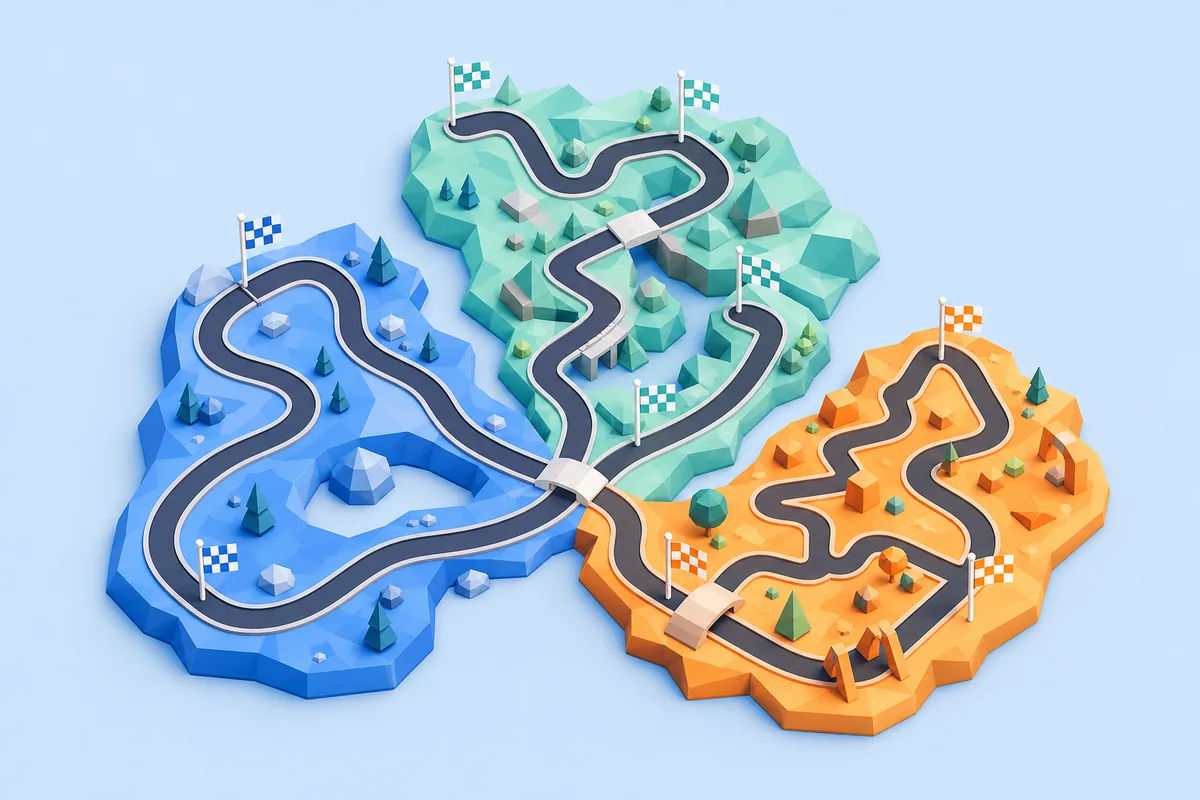
Use this page when you want to discover a good PolyTrack map, not just learn how to paste a code. It separates the official campaign, creator-linked community tracks, public level directories, and third-party code libraries so you can choose a route with useful version and source context.
Short answer
What counts as a good PolyTrack map?
A good PolyTrack map is more than a track code that happens to load. It has a clear source, a recognizable creator or community context, a version note when compatibility matters, and a route that can be tested from the start line through the finish. The best map for you also depends on whether you want a calm first run, a technical challenge, or a route worth practicing for a personal best.
Start with the source, then judge the route. Creator-owned Kodub pages and official update posts are the strongest references for the campaign and official community releases. Public directories such as Speedrun.com help you identify named levels and categories. Community code libraries can offer more variety, but they need an extra check for creator, version, complete code, and player feedback.
This is a discovery guide, not a dump of unverified codes. A normal custom map should be shared as text that you can inspect and import in the game. If a page turns a map search into an installer, browser extension, login wall, or permission-heavy download, leave it and use a source with clearer provenance.
Source map
Where to find PolyTrack maps and map codes
Use the source type that matches your goal. The trust label is a starting point for verification, not a guarantee that every individual map is current or playable.
| Source type | Best for | Check before playing | Starting trust |
|---|---|---|---|
| Kodub official pages | Campaign tracks, releases, and creator-linked updates | Current version, official page, and whether the track is part of the campaign or a community release | Highest |
| Official community-track posts | Newer creator selections mentioned in release notes | Post date, build number, track names, and whether the feature is still available in your build | High |
| Public level directories | Named levels, categories, records, and practice targets | Category, creator, rules, version context, and whether the entry is official or community-made | Medium-high |
| Community code libraries | A wider mix of experimental or user-shared maps | Full plain-text code, creator, difficulty, version, comments, and no executable download | Community; verify |
Four-step check
Check a PolyTrack map before you keep it
A short verification loop prevents most wasted attempts. You do not need to treat every community map like a security incident, but you should know what you are importing and which build it expects.
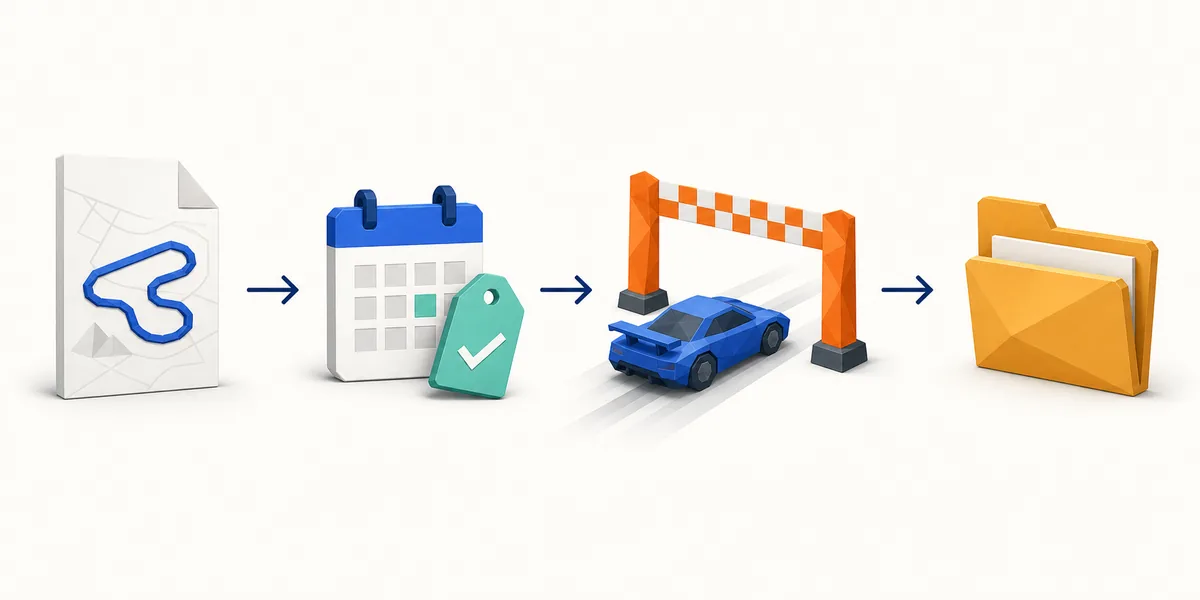
Name the source
Record the page, creator, or community post where the map came from. A useful map entry should not be an anonymous string with no surrounding context.
Check the build
Look for a version, release date, or compatibility note. A map can be valid in one PolyTrack build and fail or behave differently in another.
Test the whole route
Drive from spawn to finish at a controlled pace. Confirm that checkpoints, jumps, respawns, and the finish all work before judging difficulty.
Save useful notes
Keep the map name, source, creator, version, and a short difficulty note together. This makes later practice and safe sharing much easier.
Official versus community
Do not mix campaign levels with community maps
The official campaign is a fixed progression target, while community maps change more often and can depend on a particular release or hosting context. A search for a PolyTrack map may return both, but they answer different needs: the campaign helps you measure progress, while community tracks expand replay value and experimentation.
Kodub’s creator-owned itch.io updates are the best place to confirm release context. The 0.6.1 update discussed new community tracks, and the 0.6.2 update is the version reference used by this site’s current official level guide. That does not mean every community code is maintained by Kodub; it means the release notes give you a reliable boundary for what the official build introduced.
For a third-party map, keep the source label visible. Do not describe a community code as official just because it appears beside the game name, and do not assume that a map directory has checked every code recently. The source, version, and test result are part of the map record.

Choose by goal
Which PolyTrack maps should you try first?
The phrase best PolyTrack maps is subjective. A practical shortlist starts with the player’s goal and the amount of source information available.
For a first run
Choose readable routes
Look for a visible start, a clear finish, moderate turns, and enough recovery space after jumps. A map that teaches its next obstacle is more useful than one that looks impressive but hides the route. Start slowly, then decide whether the difficulty feels intentional or simply untested.
If the listing gives no creator, version, or map description, treat it as a discovery lead rather than a recommendation. Open the source context first and keep the import guide nearby for the technical step.
For practice
Choose repeatable routes
For speed practice, prioritize stable checkpoints, a consistent spawn point, and a route you can repeat without guessing what the creator intended. A named map with a public record or creator note gives you a better practice target than an anonymous code with no comparison point.
Save the version and your best time beside the code. If the route changes after an update, you can tell whether a slower result came from driving or from a changed map.
FAQ
PolyTrack Maps FAQ
What are PolyTrack maps?
PolyTrack maps are playable racing layouts. They can be part of the official campaign, an official community-track release, or a user-created route shared through a code or community post.
Where can I find the best PolyTrack maps?
Start with creator-linked Kodub pages for official context, public level directories for named routes and records, and established community collections for variety. Treat a community listing as a lead until its creator, version, complete code, and test result are clear.
Are PolyTrack map codes the same as multiplayer codes?
No. A map code stores a custom track layout, while a multiplayer or room code points to a live session. Use the map code in the editor or import flow, not in a room invitation field.
How do I know whether a map matches my PolyTrack version?
Look for the build number, release date, or creator note beside the map. If no version is listed, import it cautiously, test the entire route, and record the build where it worked.
Should I download a file to use a PolyTrack map?
Usually no. A normal custom map is shared as text or through an in-game/community import flow. Avoid installers, extensions, unexpected permissions, or pages that claim a map requires a separate executable.
Why does a PolyTrack map fail to load?
Common causes include a truncated code, extra formatting, a version mismatch, or a map made for a different build. Recopy the original text, confirm the source, and use the custom-tracks import guide for the detailed troubleshooting sequence.
Verification sources
Sources checked for this map guide
Official release pages are used for version and creator context. Community and directory links are labeled separately because their map entries can change independently.
- Kodub PolyTrack on itch.io — Creator-owned game listing and release context.
- Kodub PolyTrack 0.6.1 update — Official update context for community-track additions.
- Kodub PolyTrack 0.6.2 update — Current version reference checked on August 1, 2026.
- Speedrun.com PolyTrack levels — Public level and category directory; verify each entry’s context.
- PolyTrack Codes community library — Third-party community source; not an official Kodub page.