PolyTrack community guide
PolyTrack Forums: Where to Talk, Share Tracks, and Get Help
Use creator-linked community pages first, verify invitations before joining, and share enough context for other racers to give useful feedback.

Quick answer
The best starting point for PolyTrack forums
Start with Kodub’s official PolyTrack itch.io page and its community posts. A creator-linked post points players toward the PolyTrack Discord, while Reddit offers a separate community-run space for clips, questions, and track discussion.
There is no need to download a special forum client or trust a random mirror. Open the creator-owned source, confirm the destination, read the rules, and keep account or payment details out of public posts.
Community places
Which PolyTrack community should you use?
Each destination serves a different purpose. Choose the smallest, most relevant channel instead of posting the same question everywhere.
Official itch.io community
Best for creator-linked announcements and a trustworthy route into the wider community.
- Confirm Kodub as the publisher
- Read current devlog and community posts
- Use links published from the creator page
PolyTrack Discord
Best for fast conversation, track sharing, multiplayer coordination, and feedback when the invite is reached through a trusted source.
- Read channel rules before posting
- Use the right support or track channel
- Do not repost private messages
Reddit and public discussions
Useful for searchable questions, clips, opinions, and player-made discoveries, but community claims are not official announcements.
- Label rumors and experiments clearly
- Link to evidence when possible
- Treat downloads from comments cautiously
Safe links
How to verify a PolyTrack forum or Discord link
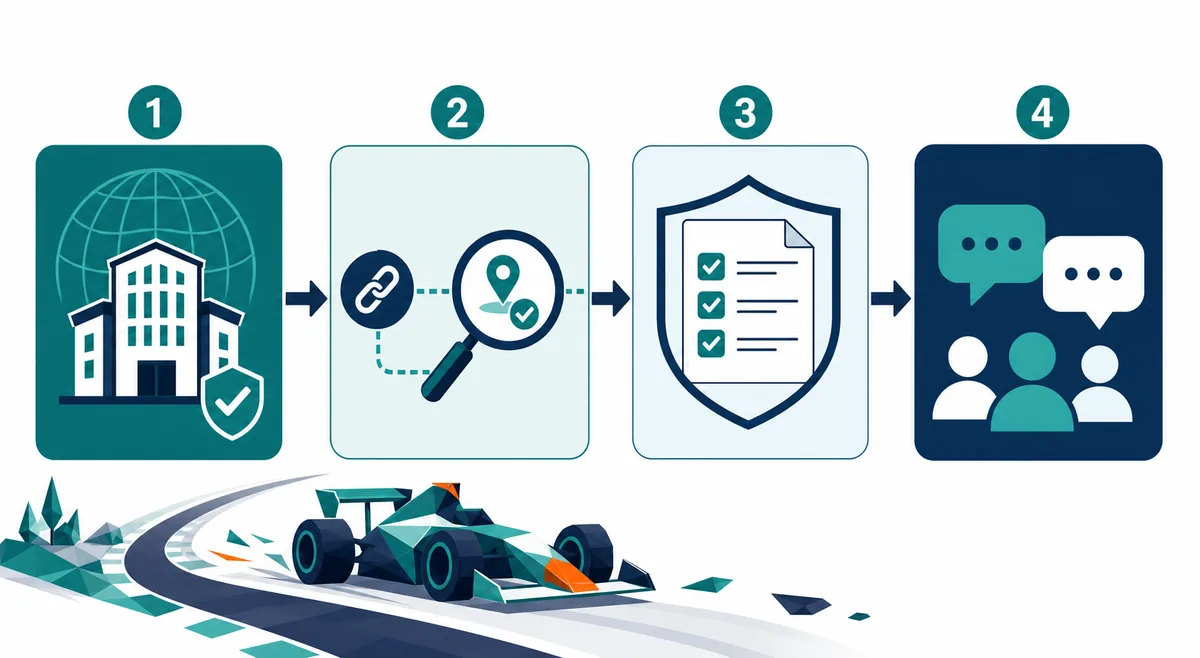
Community invitations can expire or be copied onto unrelated pages. A safe path begins on Kodub’s official website or itch.io page, not on a search ad, shortened URL, or download mirror.
A community link helps you talk to players; it does not prove that a file, mod, server, or version is official. Verify those claims separately.
- Open a creator-owned Kodub or itch.io page.
- Check that the destination domain and server name match the expected community.
- Read rules, channel descriptions, and pinned notices before posting.
- Leave if a page demands an executable, browser extension, wallet connection, or payment to join.
Track sharing
How to share a PolyTrack track and get useful feedback
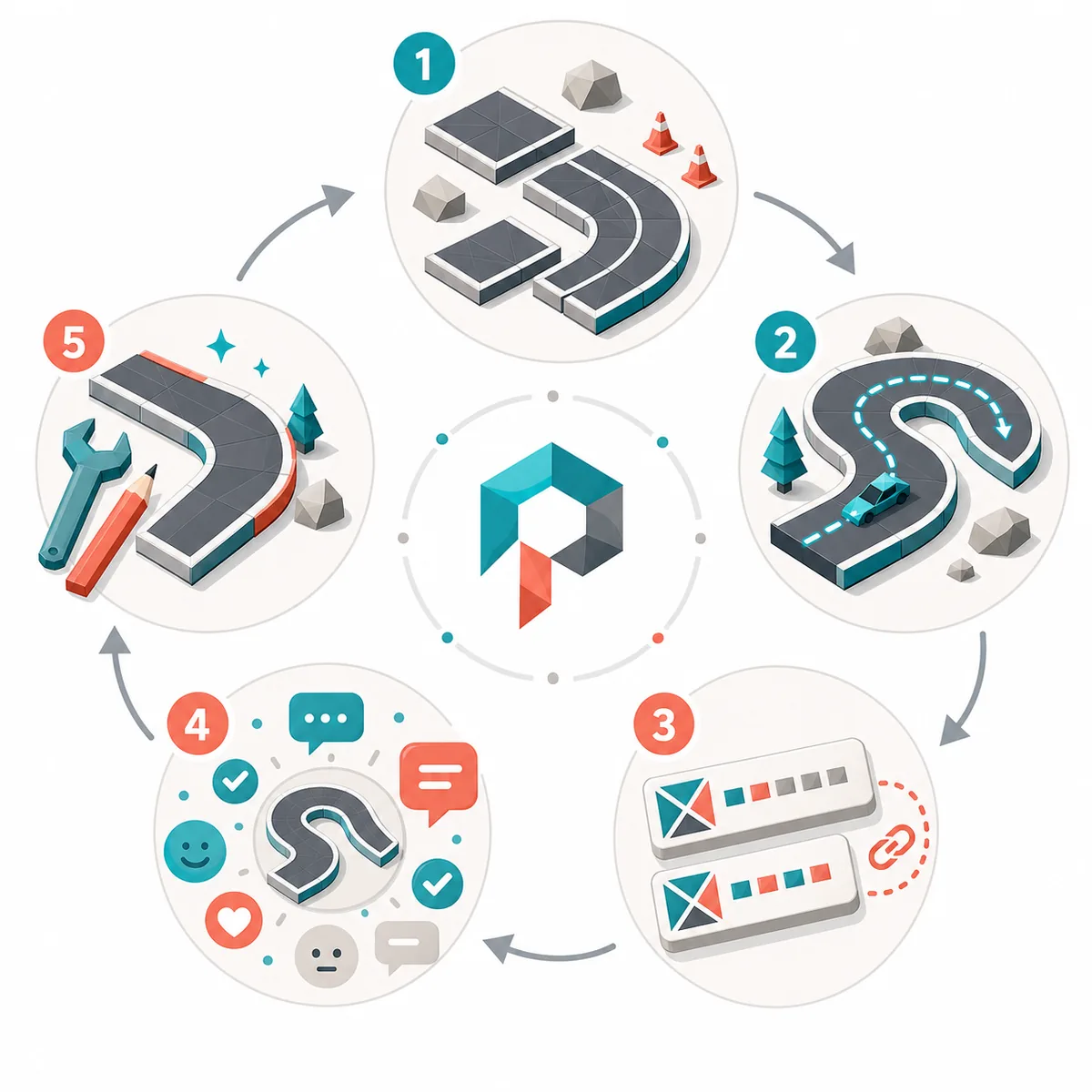
A bare track code gives reviewers very little direction. Add the goal, expected difficulty, tested game build, and the exact section where feedback is needed.
If the track fails to import, confirm that the full code was copied and that the sender and reviewer are using compatible builds. The PolyTrack tracks and editor guides cover the technical workflow.
- Test the start, checkpoints, finish, resets, and camera visibility.
- State whether the track is beginner-friendly, technical, experimental, or speedrun-focused.
- Ask one specific question about flow, jumps, shortcuts, scenery, or difficulty.
- Revise after feedback and explain what changed when reposting.
Etiquette
Community etiquette that gets better answers
For troubleshooting
Include browser, device, source URL, error text, and what you already tried.
For multiplayer
Share region, time zone, build, and room-code status without posting private account data.
For track critique
Describe the intended skill level and request feedback on one or two concrete areas.
Search recent posts before creating a duplicate thread. Keep spoilers, large code blocks, and repeated invites in the appropriate channel. If a moderator removes a post, check the rules before reposting.
FAQ
FAQ
Is there an official PolyTrack forum?
Kodub’s itch.io community pages are the clearest creator-owned discussion source. Other spaces, including Discord and Reddit, may be active communities but should not be described as official unless Kodub links or confirms them.
Where can I find the PolyTrack Discord?
Use the invite route published from a creator-owned PolyTrack source or a clearly linked community post. Avoid copied invites on download mirrors or pages that ask you to install extra software.
Can I share custom track codes in PolyTrack forums?
Yes, when the channel allows it. Include the full code, build context, difficulty, goal, and the kind of feedback you want.
Where should I ask when PolyTrack is not loading?
Use the troubleshooting guide first, then post browser, device, source URL, error text, and attempted fixes in the relevant help channel.
Are community mods and downloads safe?
A forum post is not a safety guarantee. Prefer creator-owned releases, verify source and file details, and never treat a popular comment as proof that a download is official.
Related guides
- PolyTrack tracks guide — Import, test, and troubleshoot custom maps.
- PolyTrack editor guide — Build and refine tracks before sharing.
- PolyTrack multiplayer guide — Understand online and friend-race options.
- PolyTrack itch.io guide — Verify the creator-owned game page and release context.
- PolyTrack not loading — Collect useful troubleshooting details before asking for help.
Sources checked
Sources checked on 2026-07-23. Community status and invitations can change; re-check creator-owned pages before joining.