Speedrun and PB practice
PolyTrack Speedrun Guide: Faster Lines, Ghosts, and PB Practice
A faster PolyTrack run is usually built from small repeatable gains: cleaner entries, straighter jumps, earlier resets, and a ghost you can compare against. Use this guide to turn random retries into deliberate personal-best practice.
Short answer
How do you get faster at PolyTrack speedruns?
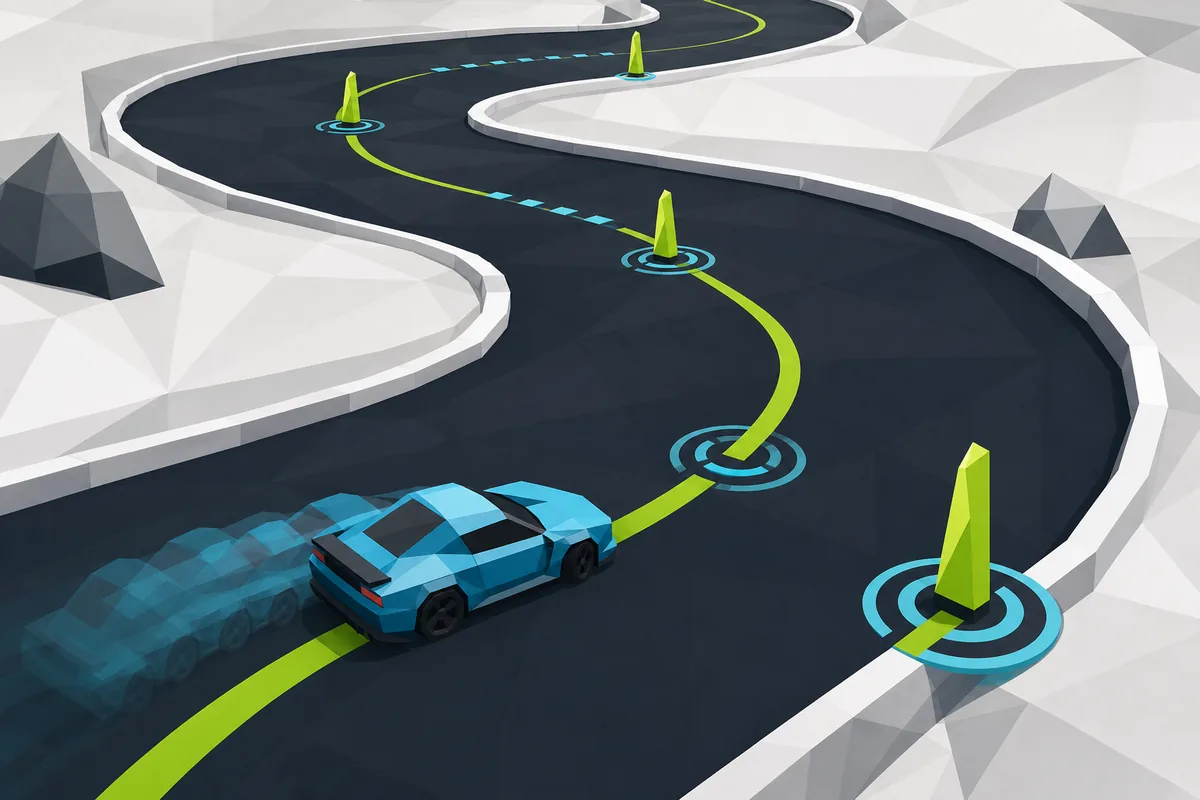
To speedrun PolyTrack, stop treating every attempt as a full run. First learn the route at a controlled pace, then isolate the sections that lose the most time: the first acceleration, tight corners, jump takeoffs, landing angles, checkpoint approaches, and the final sprint. A personal best usually improves when you remove one bad habit at a time rather than forcing a perfect lap immediately.
The fastest practical loop is simple: pick one track, finish a stable baseline, watch or compare a ghost if your version supports it, and restart early whenever a mistake breaks the goal for that attempt. A crash is obvious, but a wide corner, sideways landing, or late throttle can lose enough speed that finishing the run teaches less than resetting and repeating the section.
This page is separate from the controls, tracks, and editor guides because speedrun intent is different. Controls explain what keys do; custom tracks explain map codes; this guide explains how to read a route, manage practice, and judge whether a run is worth continuing.
Core skills
PolyTrack speedrun basics that matter most
Most time loss comes from a few repeatable areas. Use the table as a practice checklist before chasing a world-record style run.
| Speedrun skill | Why it saves time | How to practice it |
|---|---|---|
| Racing line | A wider entry and straighter exit keep more speed through corners. | Repeat one corner until you can exit without sliding into the wall or overcorrecting. |
| Jump takeoff | A straight takeoff reduces sideways airtime and saves the landing. | Enter ramps with the car settled; avoid steering at the last moment before lift-off. |
| Landing angle | A clean landing lets you accelerate earlier instead of recovering from a slide. | Restart when the car lands sideways, then adjust the approach before the ramp. |
| Fast reset | Dead attempts waste attention and hide the real learning point. | Set a rule for each section: if the car hits a wall, misses a line, or loses target speed, reset. |
| Ghost comparison | A ghost or saved run shows where time is lost without guessing. | Compare only one segment at a time so the fix is clear. |
Practice method
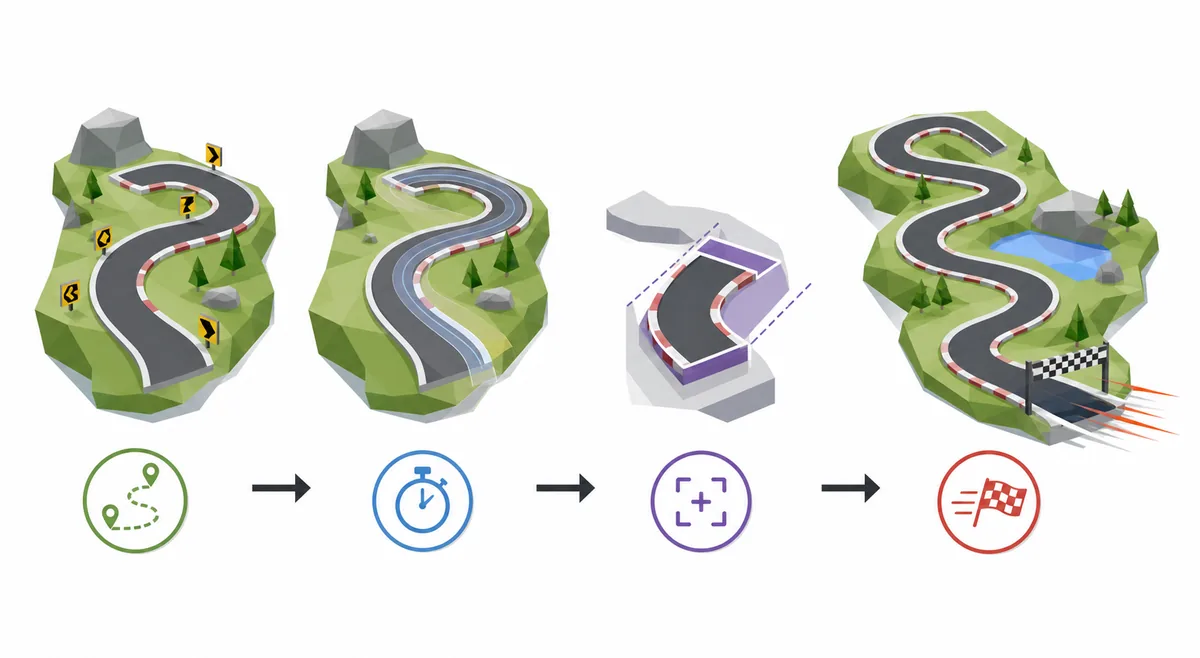
A four-step PolyTrack PB practice loop
The goal is not to grind endlessly. The goal is to create a repeatable loop that gives you one useful correction after every attempt.
Finish a stable baseline
Complete the track once without hunting shortcuts. This gives you a time to beat and reveals which sections feel unstable.
Find the largest time leak
Look for the first place where speed drops, the car lands badly, or the route becomes unreadable. Fix that before polishing tiny details.
Repeat the section, not the whole track
If the mistake happens after the first jump, practice the approach and landing rhythm until it becomes predictable.
Return to full runs with a target
Once the section is cleaner, start full attempts again and reset only when the chosen target is already missed.
Route reading
Read the track before you hunt shortcuts
A shortcut is only useful when the normal route is already understood. Drive the track slowly enough to learn checkpoint order, ramp direction, corner radius, and where the camera hides the next turn. Many slower runs come from guessing a line that looks fast but forces a recovery later.
When a community track has multiple possible paths, label them mentally as safe, risky, and experimental. Use the safe route for a baseline, the risky route for PB attempts, and the experimental route only when you are ready to lose several attempts testing whether it is actually faster.
Ghosts and splits
Use ghost runs without copying blindly
A ghost is useful because it exposes timing differences. If the ghost pulls away before a jump, the problem may be corner exit speed before the ramp, not the jump itself. If it pulls away after landing, the takeoff may be fine while the landing angle is costing acceleration.
Do not try to copy every micro-input at once. Pick one comparison point: first corner, first ramp, checkpoint two, final straight. Matching one segment consistently creates more progress than watching an entire record run and hoping the next attempt feels different.
Custom tracks
Practice speedruns on custom tracks carefully
Custom PolyTrack tracks are excellent for speedrun practice because they can focus on one skill: smooth full-speed flow, technical corners, air control, or precise checkpoints. Use the custom tracks guide when you need import-code safety or version notes before trusting a shared map.
For your own editor builds, make a short training loop rather than a huge showcase map. A thirty-second track with one jump and two technical corners can teach more than a long route where the same mistake appears only once per minute.
Input setup
Keep controls and browser focus boring
Speedrun practice depends on consistent input. Use a desktop or laptop keyboard when possible, click inside the game frame before attempts, close overlays that steal focus, and avoid switching mirrors during a practice session unless the current build is broken.
If inputs feel inconsistent, solve that before chasing a PB. The controls guide covers keyboard focus, restart keys, camera view, and mobile limits so you can separate real route mistakes from browser input problems.
Time loss
Common PolyTrack speedrun mistakes
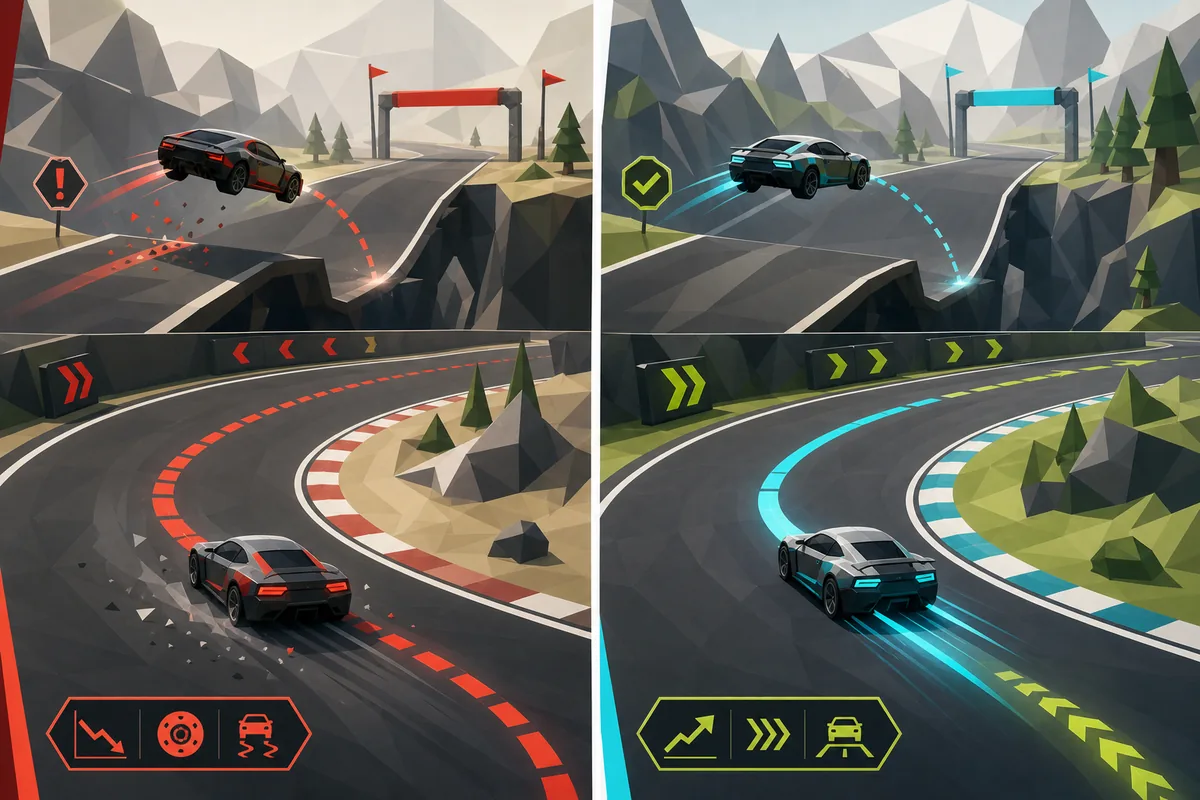
A run often feels slow before you know why. Watch for these patterns and attach each reset to a specific correction.
Turning too late
Late steering makes the corner tighter than it needs to be. Brake or angle earlier so the exit is straighter.
Steering on the ramp
Last-second ramp inputs twist the car in the air. Stabilize before takeoff and correct after landing.
Finishing dead attempts
A damaged run can be useful once, but repeated dead finishes slow learning. Reset when the chosen segment is already failed.
Chasing the wrong ghost
A record ghost can teach route shape, but a slightly faster personal ghost may be better for day-to-day practice.
Records and safety
How to think about PolyTrack world records and leaderboards
Searches for PolyTrack world record, WR, or speedrun leaderboard usually mean the player wants proof of the fastest known route. Treat those results as time-sensitive. Check the date, game version, platform, track name, and whether the run belongs to a public leaderboard, a video description, or a community post.
Do not install unknown files or extensions just to verify a time. For official game context, use Kodub's pages first; for speedrun context, use public leaderboard or video sources as references rather than executable downloads. If a record page does not match your version or track, use it for route ideas, not as a direct benchmark.
For personal improvement, a PB is more useful than a global record. Record your own baseline, write down the section that lost time, and compare against your last clean run. That habit keeps practice measurable even when public leaderboard data changes.
FAQ
PolyTrack speedrun FAQ
What is a PolyTrack speedrun?
A PolyTrack speedrun is an attempt to finish a track as quickly as possible, usually by improving racing lines, restart habits, jump control, and route knowledge.
How can beginners improve their PolyTrack PB?
Start with a stable finish, identify one time leak, practice that section, then return to full runs. Do not chase shortcuts before you can finish the normal route consistently.
Should I use a ghost in PolyTrack?
Use a ghost when your version supports it, but compare one section at a time. A ghost is most useful when it shows exactly where speed is lost.
Are PolyTrack world records official?
Record status depends on the source, track, version, and ruleset. Check leaderboard dates and version notes before treating any posted time as current.
Can mobile players speedrun PolyTrack?
Some builds may load on mobile, but precise speedrun practice is much more reliable with a desktop or laptop keyboard.