Cockpit camera tutorial
How to Go First Person in PolyTrack: Cockpit View Guide
To go first person in PolyTrack, click inside the game and press C. Learn how to confirm cockpit view, when it helps, and what to do when the camera does not change.
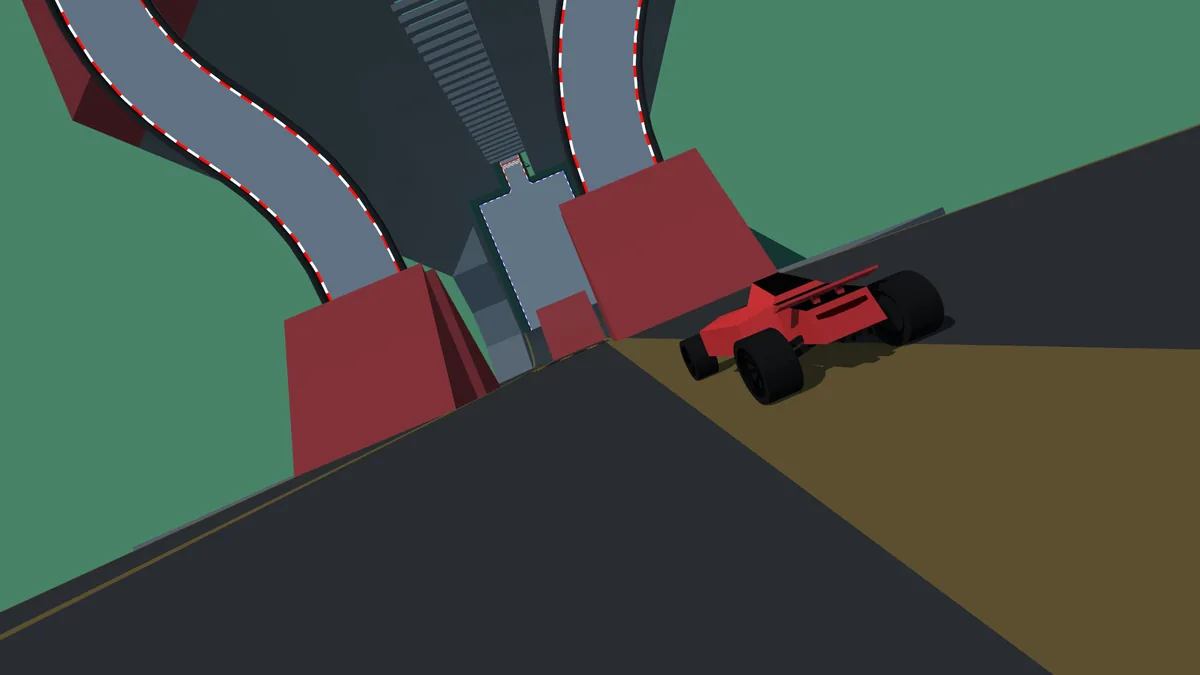
Cockpit camera tutorial
How to go first person in PolyTrack
Click inside the PolyTrack game so the canvas has keyboard focus, then press C. The official control list identifies C as the cockpit-view command.
If the camera does not move, test acceleration or steering first. If those keys also fail, click the game again because the page has focus.
Cockpit view changes only the camera, not the physics. It can improve center-line judgment, while chase view shows the car, landings, and edges more clearly.
Cockpit camera tutorial
How to switch PolyTrack to first person
Use this order to separate a camera problem from an input-focus problem.
Open a trusted build
Start from Kodub or another source you already trust; old mirrors can use different controls.
Focus the game
Click the canvas and briefly test an arrow key.
Press C once
Tap C and release it so repeated input does not skip the view.
Confirm or return
Look for a lower car-centered camera; press C again to cycle back.
Cockpit camera tutorial
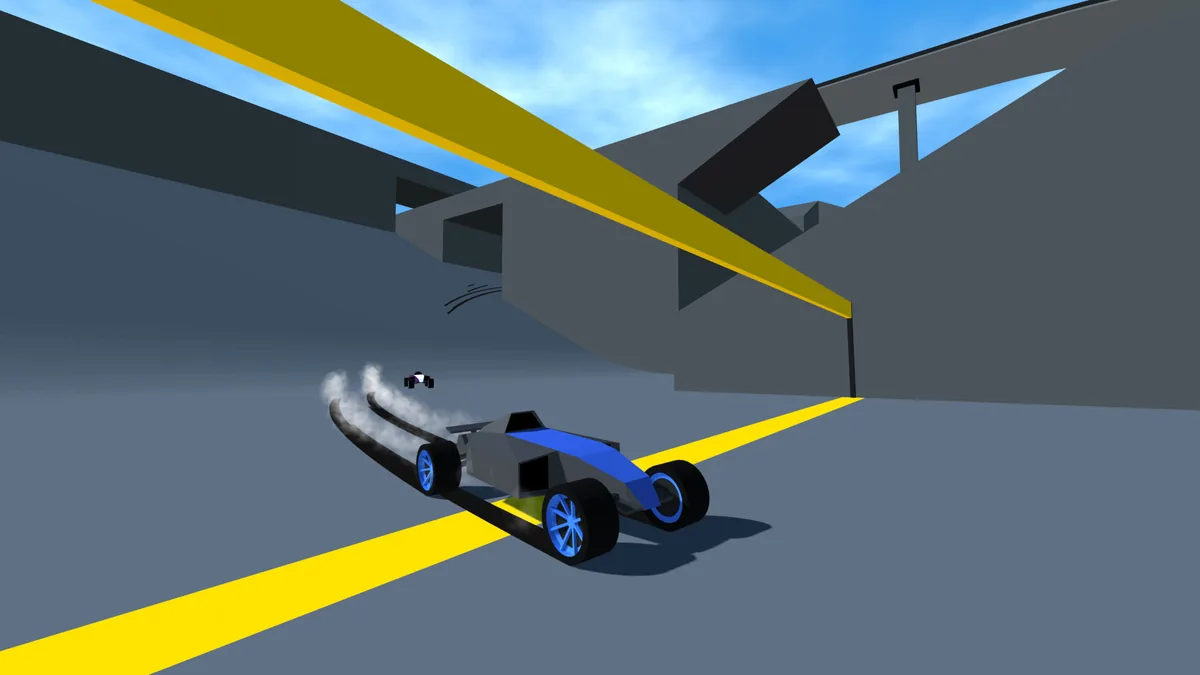
PolyTrack cockpit view vs chase camera
Neither camera is always best; choose the view that makes the next section easiest to read.
| Camera | Best for | Trade-off |
|---|---|---|
| Cockpit / first person | Immersion, narrow lanes, tunnels, car direction | Less awareness of the car body and landing angle |
| Chase / third person | Jumps, drifting, wall distance, consistent speedruns | The racing line can feel farther away |
Cockpit camera tutorial
When first person helps
Use cockpit view on straights, tunnels, and narrow platforms where the center of the track matters.
It also helps you learn braking markers, horizon movement, and corner entry.
Cockpit camera tutorial
When to switch back
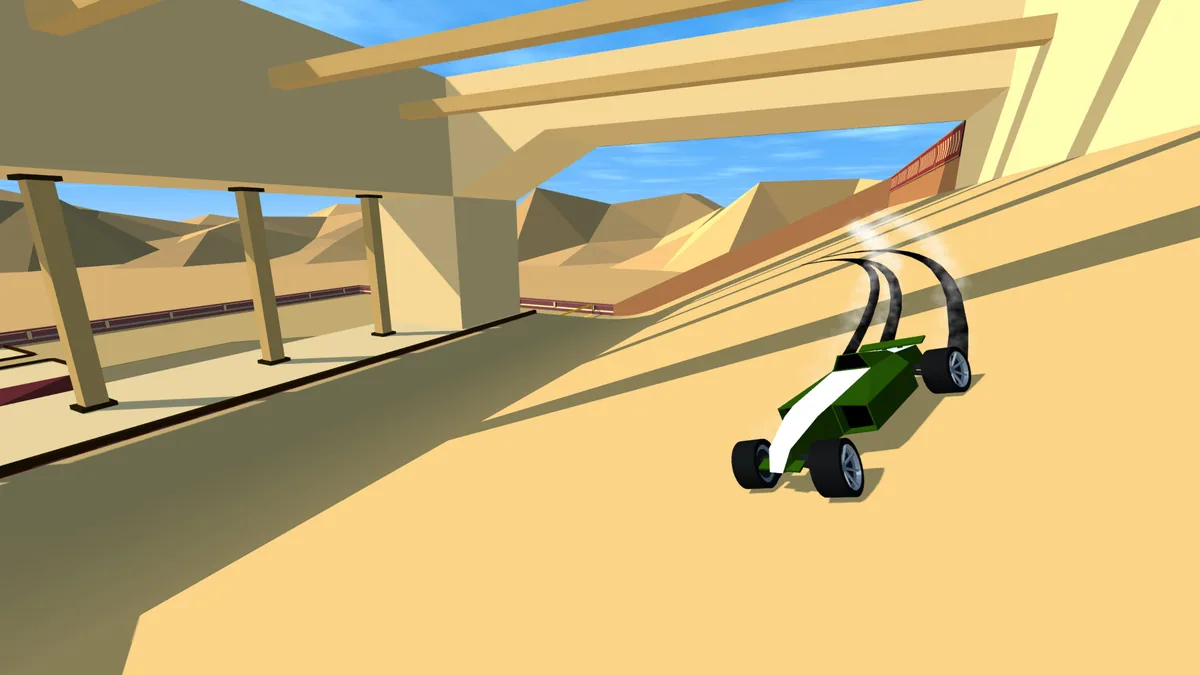
Return to chase view for blind landings, large jumps, drifting, or wall rides.
For speedruns, compare checkpoint splits and keep the camera that produces repeatable times.
Cockpit camera tutorial
Why first-person mode may not work
Most failures come from focus, browser behavior, or a different build.
Frame not focused
Click inside the game, test steering, then press C.
Browser captured the key
Close search boxes or active text fields.
Old mirror
Compare with the official control list before downloading anything.
Mobile layout
A C-key equivalent may be missing; test a hardware keyboard.
Camera skips
Tap C once instead of holding it.
Cockpit camera tutorial
A five-minute cockpit practice routine
Drive one easy lap in chase view, press C, and repeat it in cockpit view without chasing a record.
Compare missed corners, landings, and restarts. Keep cockpit view only where it improves your line.
Cockpit camera tutorial
PolyTrack first-person FAQ
What key changes to first person?
Click the game and press C.
How do I return to third person?
Press C again until chase view returns.
Why does C do nothing?
Check game focus and the build version; test steering first.
Is first person faster?
No. It changes visual information, not physics.
Can I use it on mobile?
Only if the host exposes a camera control or a keyboard is connected.
Should speedrunners use it?
Use the view with the most repeatable checkpoint times.