Download and source safety
PolyTrack Download Guide: Official Files, Browser Play, and Safe Checks
Looking for a PolyTrack download usually means one of three things: you want the official itch.io files, a mobile build, or a copy that works when browser mirrors fail. This guide separates those paths so you can choose the safest option before installing anything.
Short answer
What is the safest PolyTrack download?
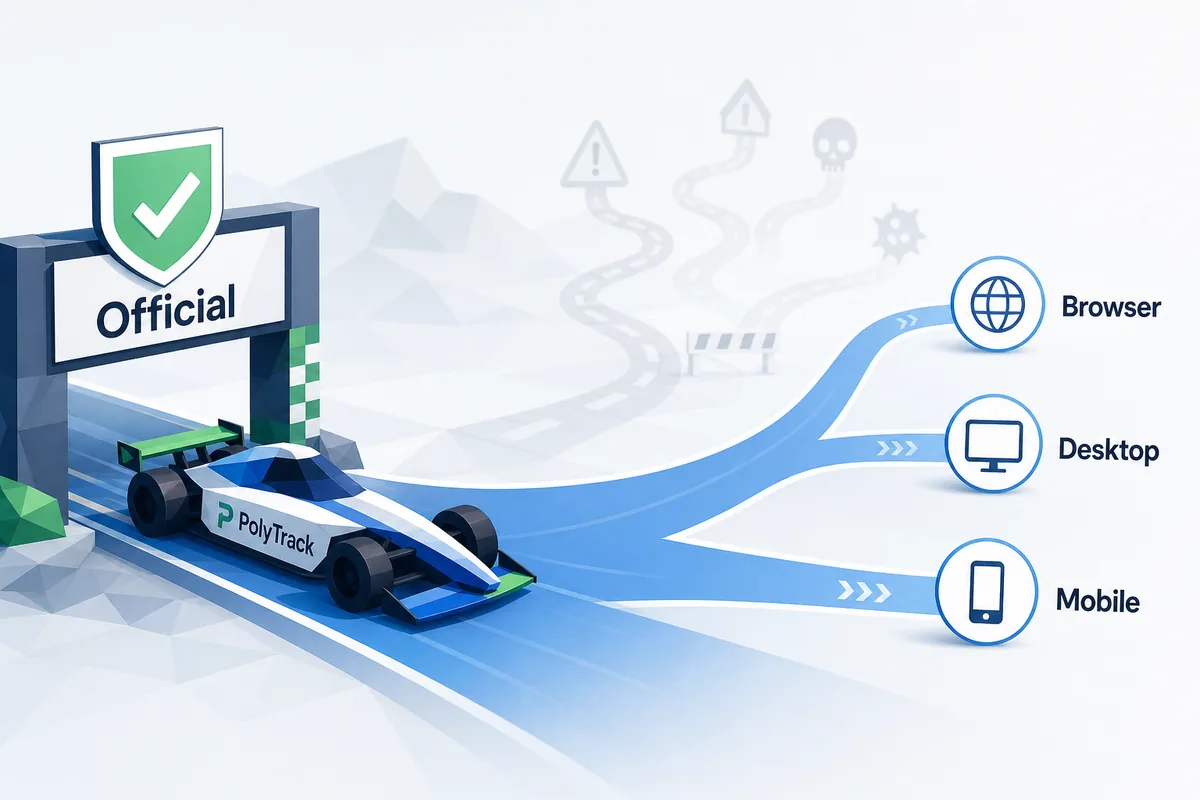
The safest PolyTrack download path is the creator-owned itch.io listing from Kodub. It is the source to check when you need desktop files or an Android package instead of a browser session. If you only want to race quickly, playing PolyTrack in a browser is usually simpler and avoids the extra trust decision that comes with local files.
Verified July 13, 2026: Kodub's itch.io page lists PolyTrack 0.6.2, released May 31, 2026 and the listing was updated June 18, 2026. Files: Windows x64/ARM64 139 MB, Linux x64 117 MB and ARM64 118 MB, macOS ARM64 116 MB and x64 121 MB, Android APK 32 MB. The site's convenience iframe remains an older 0.4.1 browser mirror, not the latest official release.
Be careful with pages that rank for PolyTrack download but add installers, browser extensions, account gates, or unrelated APK buttons. PolyTrack does not need a third-party installer to be playable. If a page cannot show a clear creator source, version context, or a normal browser fallback, treat it as a mirror or download claim rather than an official release.
This page is intentionally separate from the PolyTrack GitHub guide. The GitHub page explains mirrors and source-result confusion; this download page focuses on platform choice, itch.io files, APK caution, and when the browser version is the better answer.
Platform choices
Choose the right PolyTrack version before downloading
Use the platform table as a decision filter. Most players should start with browser play, then download only when they need offline access or a specific device build.
| Option | Best for | Safety check |
|---|---|---|
| Browser play | Fast racing, school-friendly troubleshooting, and avoiding local files. | Use a known PolyTrack page and avoid mirrors that ask for extensions or downloads before play. |
| Official itch.io download | Desktop players who want local files or Android users checking the creator listing. | Confirm the page is Kodub's itch.io listing before downloading any file. |
| GitHub or GitLab mirror | Source context, older browser builds, or backup play when a normal page fails. | Treat it as unofficial unless Kodub links to it; do not run installers from random repositories. |
| Third-party APK/download site | Usually not the first choice. | Avoid it unless you can verify the source, file history, and why the official page is not enough. |
Browser vs file
Should you download PolyTrack or just play online?
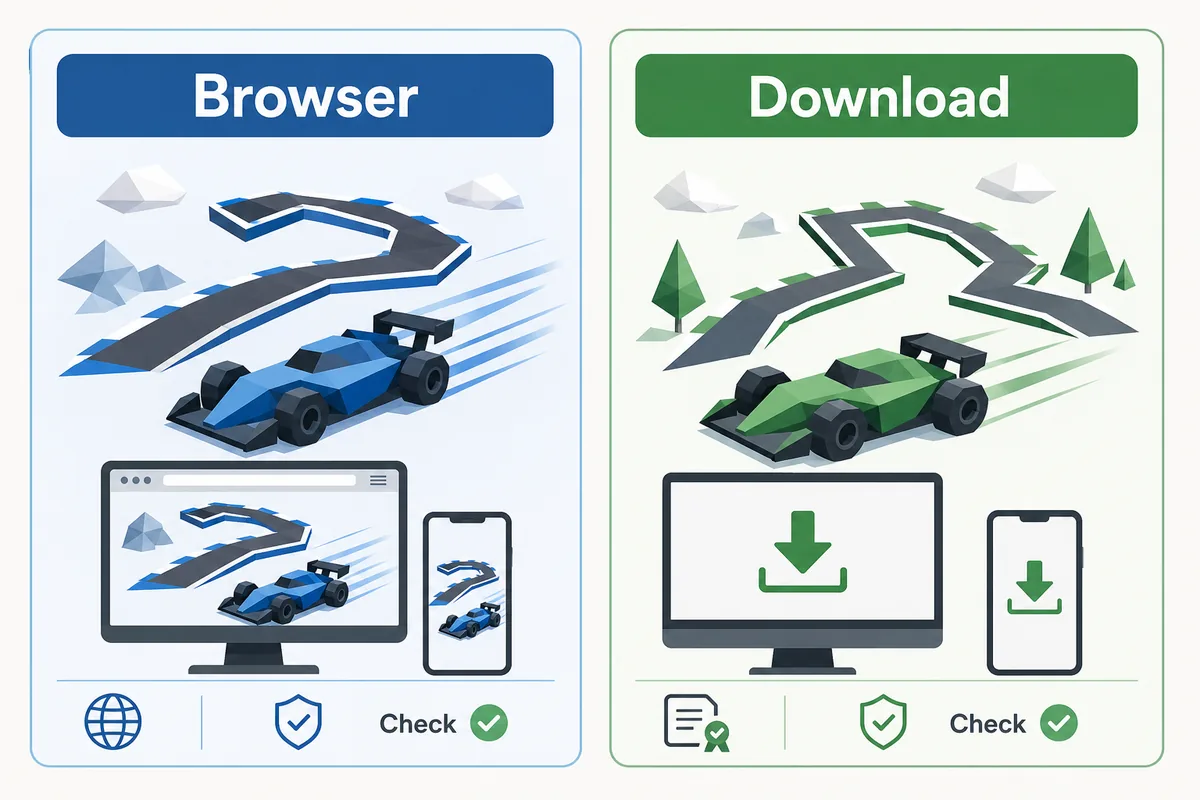
If your goal is to play one run, test controls, or share a link with a friend, the browser version is usually the practical choice. It keeps the experience close to PolyTrack's core loop: load, drive, restart, improve the line, and try again. Browser play also makes it easier to switch sources when one mirror is blocked or outdated.
A download makes more sense when you specifically need local files, want to inspect a packaged build, or are using a device where the creator listing offers a better option. The tradeoff is responsibility: you need to know who published the file, what platform it targets, and whether the page is actually connected to Kodub.
For Android searches, be especially conservative. APK pages often reuse popular game names to attract clicks. Start from the official itch.io page, avoid repacked files from unknown hosts, and fall back to browser play if the download path feels unclear.
Real media
Watch PolyTrack before choosing a file
A public gameplay video is useful because it shows the kind of browser racing experience you are trying to access. Use video context to confirm you are looking for the same low-poly time-trial game, not a renamed mobile clone or unrelated download.
Embedded public PolyTrack gameplay/trailer media. Use it as visual context, not as a download source.
Checklist
A safe PolyTrack download workflow
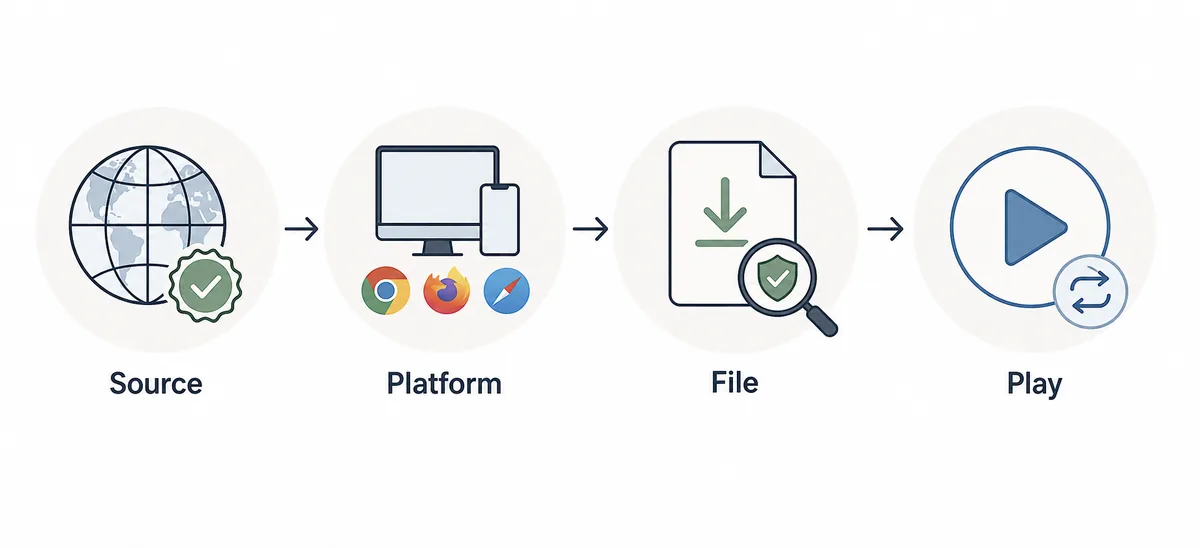
Before downloading anything, move through the same four checks every time. The goal is to prove that the file is necessary, expected for your device, and tied to a trustworthy source.
Start with creator-owned sources
Open Kodub's official PolyTrack page or the Kodub itch.io listing first. These pages are your reference when judging GitHub, GitLab, Google Sites, or APK results.
Match the platform
Choose browser, Windows, macOS, Linux, or Android based on the device you actually use. Do not download a generic package when the browser version already solves your need.
Reject extra installers
A safe game file should not require a browser extension, downloader app, notification permission, or unrelated account flow. Those are red flags for a simple low-poly racing game.
Keep a browser fallback
If the file source is unclear or the platform does not match, return to browser play, the official listing, or the source-check guide instead of forcing a risky install.
Red flags
Avoid these PolyTrack download traps
Many download pages are built for broad traffic rather than PolyTrack players. These signals should slow you down.
Forced download before play
If a page claims the browser game needs an installer or extension before you can even test it, use a different source.
Unverified APK mirrors
APK mirrors can rename or repackage files. Prefer the creator listing and avoid unknown Android builds.
Old backup builds
Backup PolyTrack pages can be useful, but they may freeze an older version. Use them for fallback play, not as the update authority.
No source trail
Skip downloads that do not identify the creator, platform, version, or why the file differs from the official itch.io listing.
FAQ
PolyTrack Download FAQ
Is PolyTrack itch.io download safe?
The Kodub itch.io listing is the safest place to check for PolyTrack files because it is creator-owned. Always confirm the page owner before downloading.
Can I play PolyTrack without downloading?
Yes. Most players can play PolyTrack in a browser, which is usually simpler than installing files.
Is there a PolyTrack Android download?
Check the official itch.io listing first when looking for Android options. Avoid unrelated APK mirrors that cannot prove a creator source.
What is PolyTrack HTML download?
That query often means someone wants a browser build or local HTML copy. Treat local copies and mirrors as unofficial unless they are tied to a trusted source.
Are backup PolyTrack download sites official?
Usually no. Backup pages and mirrors can help when a browser source fails, but they should not be treated as official update or download authorities.